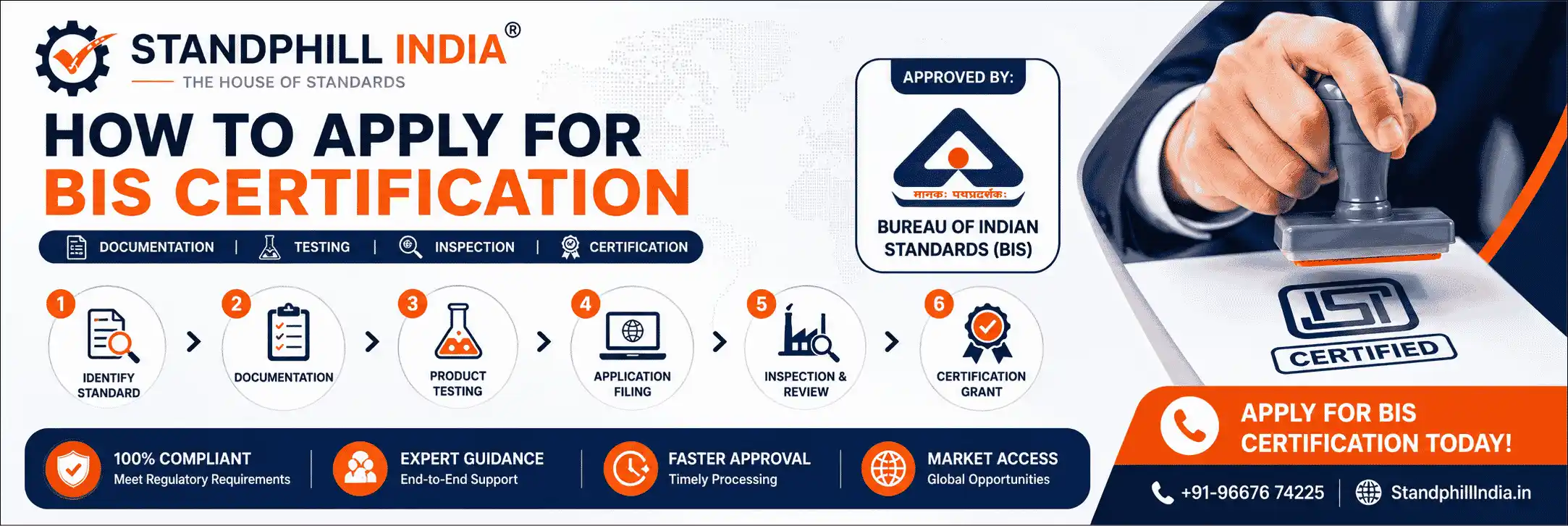
How to Apply for BIS Certification
Filing Your Application on the BIS MANAK Online Portal
Before You Apply
The BIS application itself is filed entirely online on the MANAK Online portal. The portal is straightforward once two things are settled in advance: you know the exact Indian Standard your product is certified against, and your document set is complete and correctly formatted. Trying to file before those are ready is the main reason applications get stuck at submission.
This page walks through the act of applying for BIS certification on the portal - account creation, form filling, upload, payment, submission and tracking. For the full certification journey including inspection and testing, see our BIS certification process guide. For the complete paperwork list, see documents required for BIS certification.
Step 1 – Create a MANAK Online Account
Every BIS application begins with a registered account on the MANAK Online portal. The account must be created in the name of the manufacturing entity, using credentials that can be verified against your business registration.
- Register using the legal name of the manufacturer exactly as it appears on your incorporation or registration document
- Verify the registered email and mobile number - all portal notifications and BIS queries arrive here
- Keep login credentials secure; the same account is later used to track status, pay marking fees and download the licence
Step 2 – Select the Product and IS Code
Inside the portal you select your product category and the specific Indian Standard it will be certified against. This single choice drives the entire application - the form fields, the document requirements and the test parameters all flow from the IS code you pick.
- Choose the exact IS number applicable to your product; if more than one variant exists, confirm whether they group under one application or need separate filings
- Confirm the correct scheme is selected - Scheme-I for ISI Mark, separate modules for CRS and FMCS
- Verify whether your product follows the Normal or Simplified Procedure before proceeding
Selecting the wrong IS code here cascades into every later stage. If you are unsure which standard applies, confirm it before you start the form.
Step 3 – Complete Form V
For Scheme-I, the application form is Form V. It captures the full picture of the applicant, the product and the manufacturing setup. Accuracy here matters - details entered in the form are cross-checked against your uploaded documents and, later, against the factory itself.
Step 4 – Upload the Required Documents
Each section of the form has document slots that must be filled with the correct file. This is the stage where format errors most often cause rejections, so prepare files to spec before uploading.
- Upload each document into its designated slot - do not bundle unrelated documents into one file
- Use the file formats and stay within the size limits the portal specifies for each slot
- Ensure every scan is clear and complete; cut-off or low-resolution scans are rejected on review
- Confirm document details match the form entries - entity name, address and product description must be consistent throughout
For the complete, scheme-by-scheme list of what to upload, see our dedicated documents required for BIS certification page.
Step 5 – Pay the Fees Online
Fees are paid through the portal as part of submission. At the application stage for Scheme-I, two charges apply:
- Application fee - INR 1,000, paid with the application
- Preliminary inspection charges - INR 7,000 per man-day, payable before the BIS officer's factory visit (travel and accommodation may be charged additionally)
The annual licence fee (INR 1,000) and the marking fee are paid later, only after the licence is granted. MSMEs receive marking-fee concessions of up to 80% for Micro, 50% for Small and 20% for Medium enterprises. For the full breakdown, see the fees section of our BIS certification process guide.
Step 6 – Submit and Track Your Application
Once the form, documents and payment are complete, submit the application. From this point the portal becomes your tracking dashboard.
- Note your application number - it identifies your file in all correspondence with BIS
- Monitor the status regularly; the portal shows movement from submission through inspection, testing and grant
- Watch for queries or deficiency notices - these are time-bound and must be answered to keep the file moving
Handling BIS Queries & Deficiency Notices
After submission, BIS reviewers commonly raise queries - a missing detail, a document that needs re-uploading, or a clarification on the product. How quickly and correctly you respond directly determines your total timeline.
- Respond within the prescribed window - an unanswered query puts the file on hold and stops the clock
- Address exactly what is asked; vague or partial responses trigger a fresh round of queries
- Re-upload corrected documents in the right slot and format rather than emailing them separately
- Keep a record of every query and your response in case the point is revisited later
Most "slow" BIS applications are not slow because of BIS - they are slow because queries sat unanswered. Prompt, complete responses are the single biggest lever on your timeline.
Applying Under CRS and FMCS
The portal-based filing approach is similar across schemes, but the module and a few requirements differ:
- CRS (electronics & IT) - applied through the CRS module; registration rests on a test report from a BIS recognised lab, with no preliminary factory inspection
- FMCS (foreign manufacturers) - applied through the FMCS module; requires appointment of an Authorised Indian Representative and a bank guarantee in addition to the standard filing
The account setup, form completion, document upload, payment and tracking logic carry over - only the scheme-specific fields and requirements change.
Also Read
BIS Certification Process – Step-by-Step Guide Documents Required for BIS Certification – Full Checklist BIS CRS Certification for Electronic & IT Products BIS FMCS Certification for Foreign ManufacturersWhy File Through Standphill India?
The MANAK Online portal is usable on your own - but a single mis-entered field, a wrongly formatted upload or a missed query can cost weeks. We manage the full filing so the application moves cleanly from submission to grant.
- Complete portal handling - account setup, Form V, uploads, payment and tracking, all managed for you
- Right IS code, right scheme - confirmed before filing so the application is built correctly from the start
- Format-safe uploads - documents prepared to portal spec to avoid format-based rejections
- Rapid query resolution - BIS deficiency notices answered promptly to protect your timeline
- CRS & FMCS filing - full support for electronics registration and foreign manufacturer applications
- 20+ years of experience filing BIS applications across product categories
Let us apply for your BIS certification the right way the first time.
Your Compliance. Our Commitment.
Contact Standphill India TodayFrequently Asked Questions (FAQ)
Ask a Question
Have a query about applying for BIS certification? Our team will get back to you shortly.
★ Why Standphill India?
- 20+ Years of BIS Certification Experience
- 10,000+ Certifications Delivered Globally
- Dedicated Teams for CRS, FMCS & ISI Mark
- End-to-End Documentation & Filing Support
- Fast Response & Practical Compliance Guidance
- Support for Indian & Foreign Manufacturers
Get Free Call Back
Our Services
- BIS (ISI Mark) for Foreign Manufacturers
- Domestic BIS (ISI Mark) Certification
- BIS Certificate of Conformity (CoC)
- BIS Hallmarking
- BIS Licence for Toys
- ECO Mark Certification
- TAC Approval for Automobile
- Drug Licence
- Peso Certification
- BIS (CRS) Registration
- WPC-ETA Approval
- BEE Certification
- E-Waste Management (EPR)
- EPR for Plastic Waste
- EPR for Battery Waste
- CE Certification
- UL Certification
- ROHS Licence
- Standardization Division
- Import / Export Licence
- FSSAI Certification
- ISO Registration
- Trademark Registration
- Make in India Support
- AG-Mark Licence
- Third Party Monitoring
Client Testimonials
Their team was very knowledgeable and helped us every step of the way. Standphill India is the best BIS certification consultants for any type of BIS certification.

Chintan Shah (AGM)
Sudeep Nutrition P.Ltd




Featured Guide
Complete BIS CRS certification guide for electronic products in India — free to read.
Read CRS Certification Guide📞 Contact Standphill India
+91-9667674225 info@standphillindia.in WhatsApp Now Greater Noida West, UPGet Expert BIS Certification Support for Your Business
Connect with Standphill India for complete support with BIS certification, CRS registration, WPC approval, FMCS compliance, and related regulatory services. Our team helps businesses with documentation, testing coordination, application support, and end-to-end compliance guidance.
Request Free Consultation
Share your requirement and our team will contact you shortly.